

 Re-mark
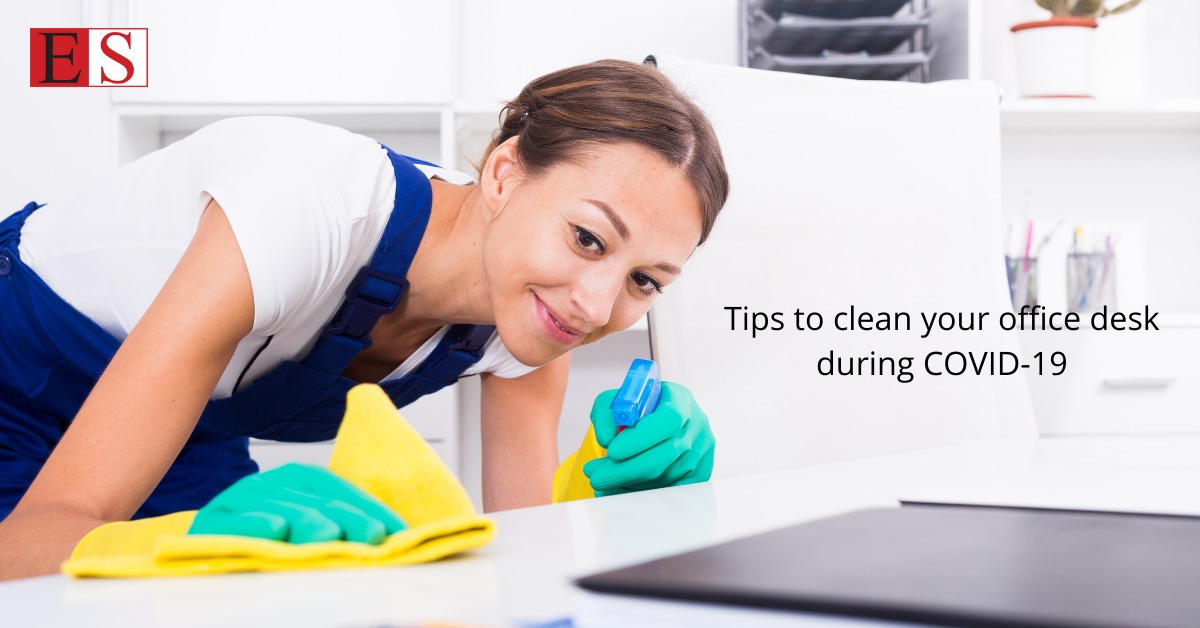
Now that we’re finally returning to the workplace, the prospect of seeing your old desk for the first time in months might seem daunting. Perhaps you never had the opportunity to properly tidy your desk before leaving everything behind, and while the rest of the office will have been redesigned around new social distancing guidelines, for better or for worse, your desk may have been preserved exactly as you left it. To help you get your workstation back in shape, let’s take a look at the best way to clean your office desk during COVID-19, as well as tips on how to clean and disinfect some common desk accessories. Cleaning your desk First, unplug everything. Don’t just switch things off. Powered-down electronics will usually carry a small standby current that can become dangerous or damaging if circuitry comes into contact with cleaning fluids. It’s also easier to move things around if they’re not still attached to a power outlet, so take the extra precaution of properly disconnecting monitors, keyboards, mice, desk fans, and other electronics before proceeding. Disinfecting your office desk’s surface If you’ve cleared off your desk completely, this is your opportunity to wipe down every surface with a dry cloth to remove any accumulated dust. Once that’s done, you can use disinfectant wipes to clean the entire surface, making sure to pay particular attention to the parts of the desk that you touch most often, such as desk edges and the areas surrounding the keyboard. For effective disinfecting, let surfaces dry out for around five minutes. How to clean electronics, furniture, and personal items With your desk’s surface thoroughly wiped down and disinfected, it’s time to move on to cleaning your devices, computer peripherals, and desk accessories. Before continuing, ensure everything has been fully disconnected from the power outlets. Remember: Moisture and electronics don’t mix. How to clean your computer screen As a rule, don’t apply cleaning products directly to the display. Liquids can permeate the thin outer layer of the screen, seep into the monitor, and cause damage, clouding, and discoloration. Instead, wet a clean microfibre cloth with cold water and thoroughly wring it out before wiping the screen using long, side-to-side strokes. Avoid using paper towels or rougher types of cleaning cloths as they may scratch or dull the screen. How to clean your keyboard Hold the keyboard upside down above a trash can. Tap and shake it firmly to dislodge any crumbs, seeds, and other unpleasant detritus that may have fallen between the keys. While still tilting the keyboard, use a can of compressed air aimed between the keys to blast away any remaining loose debris. Once the larger particles of dirt have been removed, wash the keyboard using disinfectant wipes or an alcohol-based cleaning agent. Run the wipe or cloth between and around individual keys, paying particular attention to frequently used keys such as the space bar and enter key. Ensure the cloth you’re using isn’t too wet, and allow the keyboard to dry out for at least 10 minutes after cleaning, as an excess liquid can damage the hardware under the keys. The average computer keyboard contains anywhere between 400 and 20,000 times more bacteria than a toilet seat, so focus on thoroughly sanitizing your keyboard regularly to prevent it from becoming a health hazard. How to clean your mouse While optical mice are far less susceptible to collecting grime than older, mechanical mice, they can still accumulate dirt and bacteria on their undersides and where the mouse comes into contact with your hand and fingers. To clean your mouse, place it on a paper towel to catch any falling dirt and then run a toothpick or a folded sticky note along with the small gaps between the buttons and the body of the mouse to dislodge any built-up grime. Compressed air can be used to remove any leftover debris. How to clean your office chair To disinfect your office chair, wipe down the armrests using a disinfectant wipe or alcohol-based cleaner, making sure to run the wipe across the undersides of each armrest and along with any other metal or plastic parts of the chair, such as the adjustment lever and backrest. How to clean your laptop To clean the laptop screen, use a fresh, dry microfibre cloth to avoid scratching the delicate display. This should remove any fingerprints, but for tougher stains, you can use a mixture of 50 percent white vinegar and 50 percent water to lift off grease. To disinfect your laptop, run a disinfectant wipe along with the keyboard, the touchpad, and the external surfaces of the machine, focusing on high-touch areas such as the space bar, the upper edge of the lid, and the power button. How to clean your water bottle For daily cleaning, immerse the bottle in a sink filled with warm, soapy water and scrub it inside and out using a bottle brush. Or put it through the dishwasher if the bottle is labelled as dishwasher safe. Leave the bottle upturned and with the cap off to allow it to air-dry. How to clean your desk phone Unplug the phone so that you don’t accidentally call anyone, then run the wipe over every surface, paying particular attention to the handset, mouthpiece, and keypad. For a deeper clean, use a cotton ball soaked in rubbing alcohol to get into every nook and cranny. How to clean your headphones Clean the ear pads using soap, water, and a damp microfibre cloth, being careful not to damage the delicate foam padding. Allow the headphones to dry out completely before using them again. Eastin HR is an organization that has completely specialized disinfection services in Kolkata.
You may like

Ventajas instalar placas solares en naves industriales

Auto Glass Repair & Replacement in San Francisco, CA | Civic Auto Glass

Mountain View – LiftStorm Garage Door Solutions
garage door, garage door openers, garage door repairman, garage door repairman near me, chamberlain garage door openers