

 Re-mark
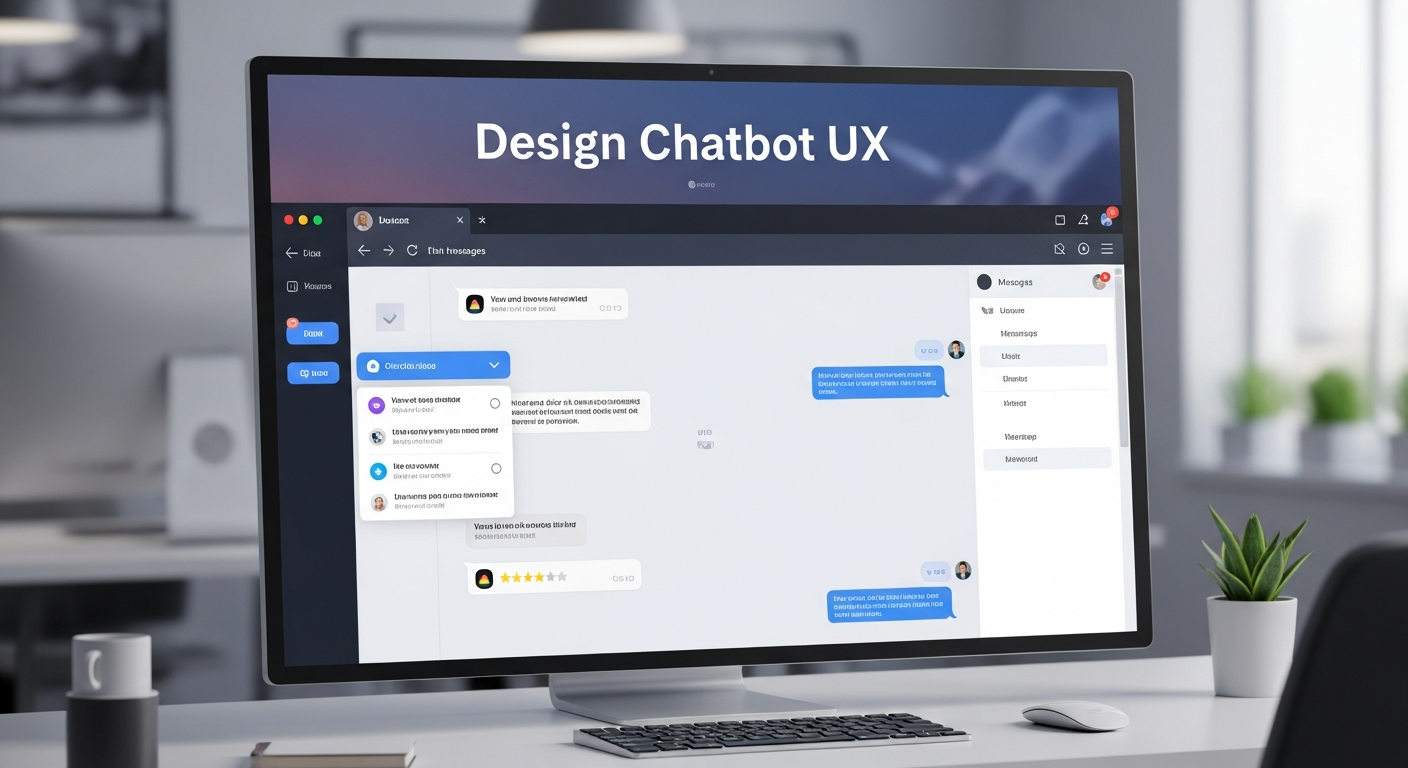
How to Design Chatbot UX: Best Practices and Tips In today’s digital landscape, chatbots are no longer just a novelty—they’re a core part of user experience (UX) design for businesses. From customer support to lead generation, chatbots help brands engage with users 24/7, providing instant responses and personalized interactions. But a poorly designed chatbot can frustrate users and damage your brand reputation. To ensure your chatbot delivers a seamless experience, it’s essential to prioritize UX design. Here’s a detailed guide on how to design chatbot UX effectively, along with best practices and tips. Understand Your User Needs The foundation of any successful UX design is a deep understanding of your users. Before creating your chatbot, ask yourself: Who will interact with the chatbot? What problems are they trying to solve? What tone and language resonate with them? Conducting user research, surveys, and analyzing customer support queries can provide valuable insights. For instance, an e-commerce chatbot may need to guide users through product selection and order tracking, while a banking chatbot should focus on account information, transactions, and security concerns. Define the Chatbot’s Purpose A chatbot without a clear purpose can confuse users. Clearly define what your chatbot will do and what it won’t. Examples of common chatbot roles include: Customer support – handling FAQs, troubleshooting, and service requests. Sales and lead generation – recommending products or services and capturing leads. Information delivery – providing news, updates, or personalized content. Interactive engagement – quizzes, surveys, and entertainment. By setting a clear scope, you create a focused, efficient, and user-friendly experience. Design Conversational Flows At the heart of chatbot UX is the conversation flow—the sequence of interactions between the user and the bot. Effective flows should feel natural, intuitive, and human-like. Tips for designing conversational flows: Start simple – Avoid overwhelming users with too many options. Use guided choices or quick replies. Map user journeys – Visualize every possible path a conversation can take to anticipate user questions. Handle errors gracefully – Plan for misunderstandings and provide helpful fallback messages. Use natural language – Avoid robotic or overly technical phrases. Keep the tone friendly and conversational. Tools like flowcharts or chatbot design software can help you plan and visualize conversations before coding. Personalize User Interactions Personalization significantly improves user engagement. Address users by name, remember past interactions, and tailor responses based on user preferences. For example, a chatbot for a travel website could suggest destinations based on previous searches or bookings. However, balance personalization with privacy. Make it clear how data is being used, and ensure users feel safe sharing information. Focus on UX Microcopy Microcopy—the small bits of text in your chatbot—can make or break the user experience. This includes greeting messages, prompts, buttons, error messages, and notifications. Best practices for chatbot microcopy: Keep it concise and clear. Maintain a consistent tone of voice. Use positive language to guide users. Provide clear call-to-actions (CTAs) for next steps. Good microcopy reduces friction, improves comprehension, and creates a more enjoyable interaction. Optimize Response Speed Users expect instant responses. Long delays or slow replies can frustrate users and reduce engagement. While AI chatbots can generate answers instantly, rule-based chatbots should be optimized to handle queries quickly. If processing takes longer, consider adding a typing indicator or short message to manage user expectations. Test and Iterate Even the best-designed chatbot needs testing. Conduct usability testing with real users to identify friction points and areas for improvement. Pay attention to: Are users completing their intended tasks? Are there points of confusion or frustration? Are fallback messages helping users recover from errors? Use feedback to refine your conversational flows, microcopy, and interaction logic. Regular updates ensure the chatbot stays relevant and effective. Incorporate Accessibility Accessibility should never be an afterthought. Design your chatbot to be inclusive for users with disabilities. Consider: Screen reader compatibility for visually impaired users. Keyboard navigation for users who can’t use a mouse. Simple language for cognitive accessibility. Inclusive design not only expands your audience but also enhances overall UX. Monitor Analytics and KPIs UX is an ongoing process. Monitoring chatbot analytics helps you understand performance and user behavior. Track key metrics such as: User satisfaction scores Conversation completion rates Drop-off points Average response time Analyzing these KPIs allows you to continuously refine your chatbot, making it smarter and more helpful over time. Combine AI with Human Support While AI can handle a large volume of tasks, some situations require human intervention. Integrating a seamless handoff to a human agent ensures users get the help they need without frustration. Make it obvious when users can reach a human and ensure the transition is smooth. Conclusion Designing a chatbot with excellent UX is more than just programming—it’s about understanding your users, crafting natural conversations, and continuously refining the experience. By defining clear purposes, personalizing interactions, optimizing responses, and ensuring accessibility, you can create a chatbot that delights users and strengthens your brand. A well-designed chatbot is a powerful tool that boosts engagement, improves efficiency, and leaves users with a positive impression of your brand. Following these best practices ensures your chatbot isn’t just functional—it’s a joy to interact with. Read more: https://www.chatbotsweb.com/chatbot-ux-design-guide-best-practices/
You may like

MediaTek IoT Solutions: Smart Devices, Edge AI & Connected Technology
Explore MediaTek IoT solutions powering smart…
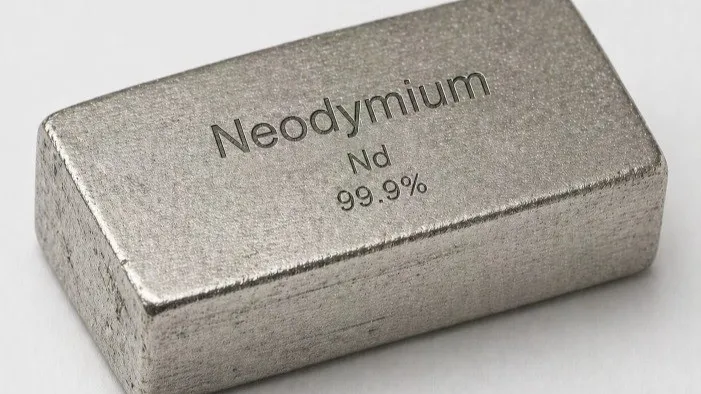
The Neodymium Price Chart is an important resource for manufacturers, suppliers, traders, and procurement professionals…
#NeodymiumPriceChart #RareEarthPrices #CommodityMarket #MetalPrices #CriticalMinerals #EVBatteryMaterials
Channable works well for getting products into the right channels, but rule-based platforms become a bottleneck as your…