

 Re-mark
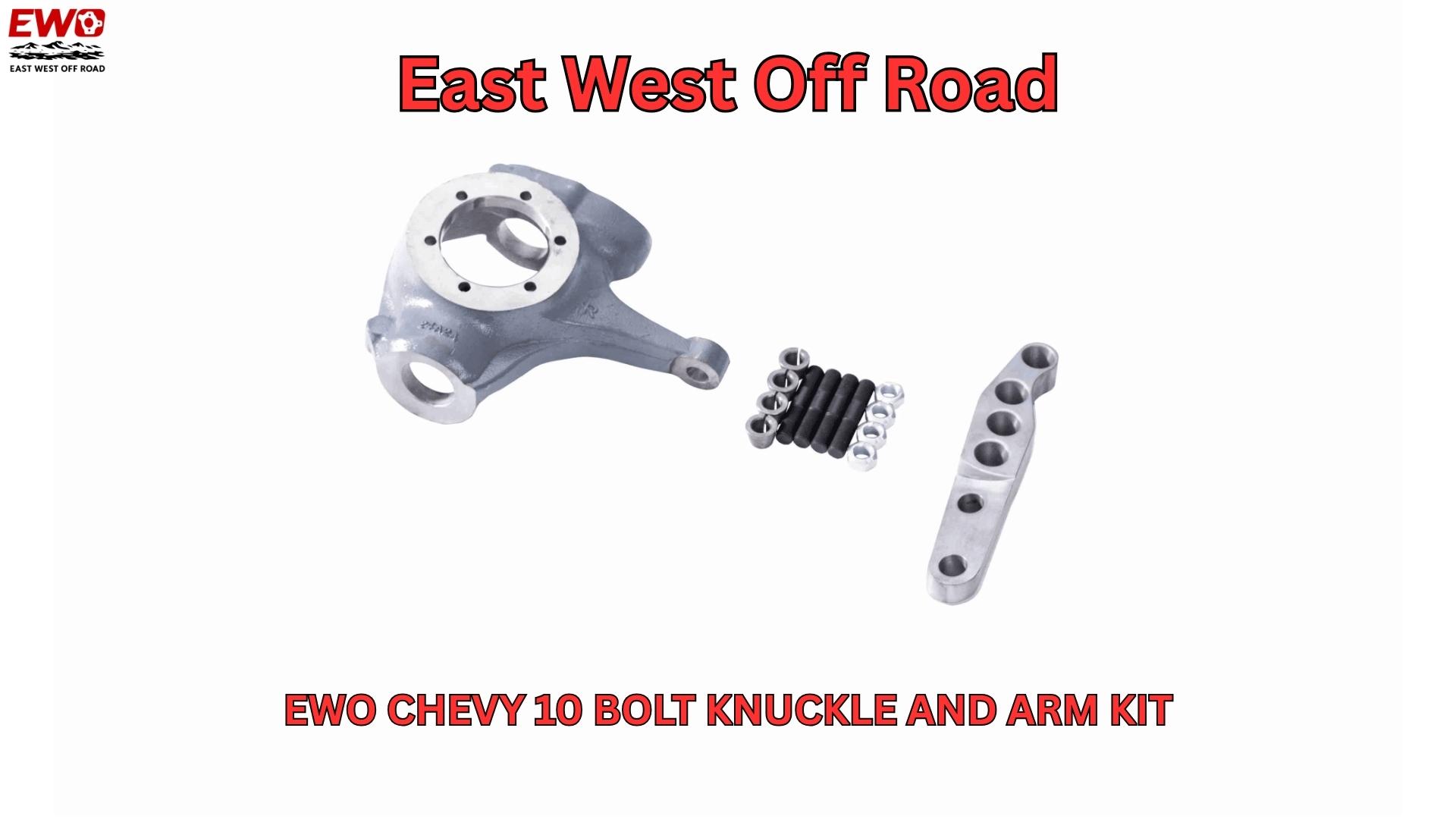
How to Fix Steering Issues in Your Lifted Chevy Truck: The Ultimate Crossover Steering Solution Introduction: Common Steering Problems After Lifting Your Chevy Truck Lifting your Chevy K5 Blazer, K10/K20 Pickup, or Suburban opens up a whole new world of off-road possibilities, but it can also bring some unexpected challenges—especially when it comes to steering. One of the most common issues lifted truck owners face is bump steer. If your truck’s steering wheel jerks suddenly after hitting a bump or driving over rough terrain, you’re likely experiencing this frustrating issue. This happens because lifting the truck changes the suspension geometry, which in turn affects the drag link angle and the steering performance. Thankfully, there’s a reliable fix: crossover steering. The Cause of Steering Issues: Altered Steering Geometry When you lift your truck, it changes the angles at which the drag link and other steering components are positioned. The drag link connects the steering box to the axle, and in stock vehicles, it’s relatively level. But after installing a lift kit, the drag link angle becomes much steeper, resulting in push-pull steering. This geometry issue leads to erratic steering behavior, including bump steer, wandering steering, and death wobble. As the drag link becomes too steep, it causes the steering to behave unpredictably, which can make your truck difficult to control, particularly when navigating rough or uneven terrain.
You may like
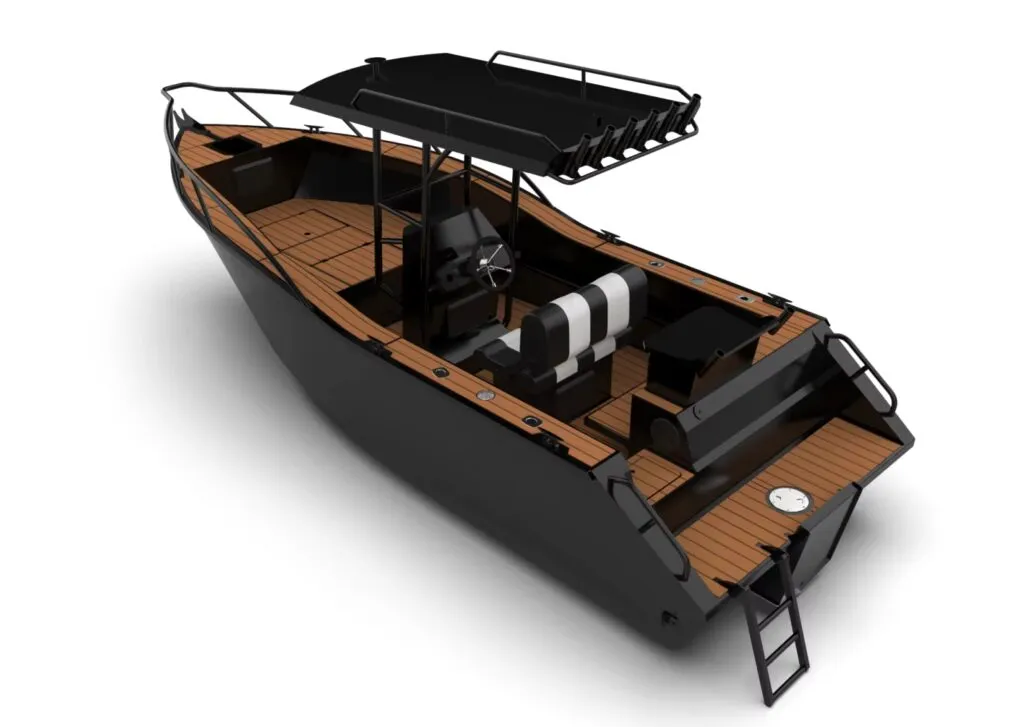
Aluminium Fishing Boats for Sale Queensland, Australia
Aluminium Boats Queensland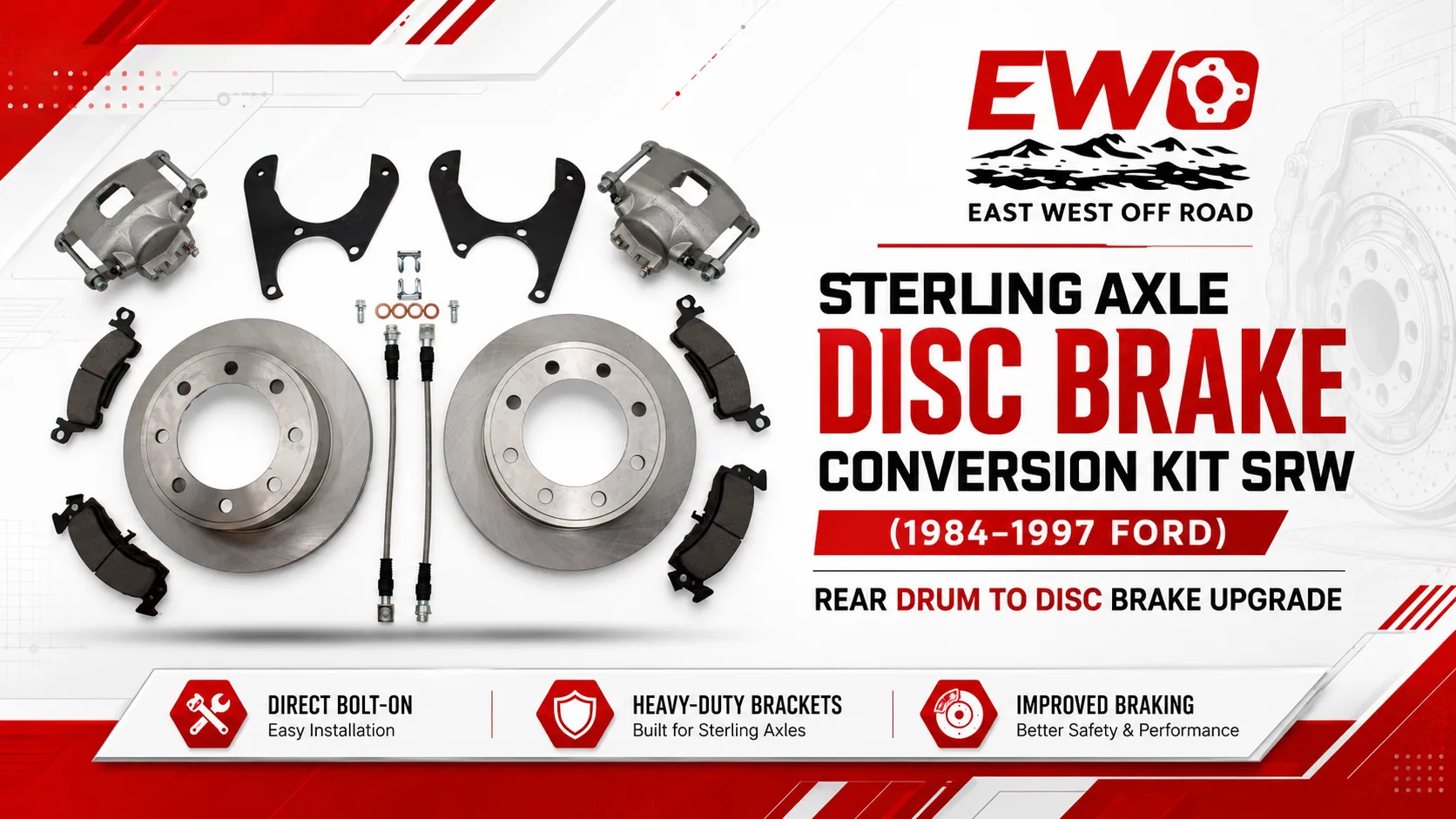
Sterling Axle Disc Brake Conversion Kit – SRW
Complete disc brake conversion for 1984–1997 Ford Sterling SRW rear…

E Rickshaw Spare Parts | Best Manufacturer & Supplier in India
best ev parts of wholeseller of india, ev spare parts wholeseller in delhi, best ev parts provider in delhi, list of electric vehicle parts manufacturers in india, best electric parts company in india, ev spare parts market in delhi