

 Re-mark

When comparing SharePoint and Dropbox, it's important to consider what you aim to achieve with the platform. Here's a breakdown of the key differences, along with the benefits and drawbacks of each: Purpose and Audience SharePoint: Primarily designed for businesses and enterprises, SharePoint is a collaboration platform that integrates with Microsoft 365. It's designed for complex workflows, intranet sites, document management, and team collaboration. SharePoint allows extensive customization and integration with other Microsoft tools like Teams, Outlook, and OneDrive. Dropbox: Initially a file hosting service, Dropbox has expanded into a more general collaboration platform, offering simple file sharing and synchronization. It's geared toward both individuals and businesses, but its primary audience tends to be small to medium-sized businesses and individuals seeking easy-to-use cloud storage. Key Features SharePoint Document Management: Advanced features for managing documents, including versioning, metadata, co-authoring, and content approval workflows. Intranets and Portals: Ability to create intranets, team sites, and communication sites for company-wide information sharing. Integration: Deep integration with Microsoft 365 apps and other enterprise tools. Security and Compliance: Comprehensive security features, including advanced permissions, audit trails, and compliance with enterprise-level standards. Customization and Automation: Support for custom development, Power Automate workflows, and Power Apps. Dropbox File Sharing and Syncing: Simple and user-friendly file sharing and synchronization across devices. Collaboration: Basic collaboration features, including comments and shared folders. Dropbox Paper offers collaborative document editing.
You may like

Important Dates Every Employer Should Know
Outsourced accountants provide valuable support by managing tax deadlines,…

Discover premium massage services in Birmingham tailored to help you relax, relieve muscle tension, and improve your…
Birmingham massage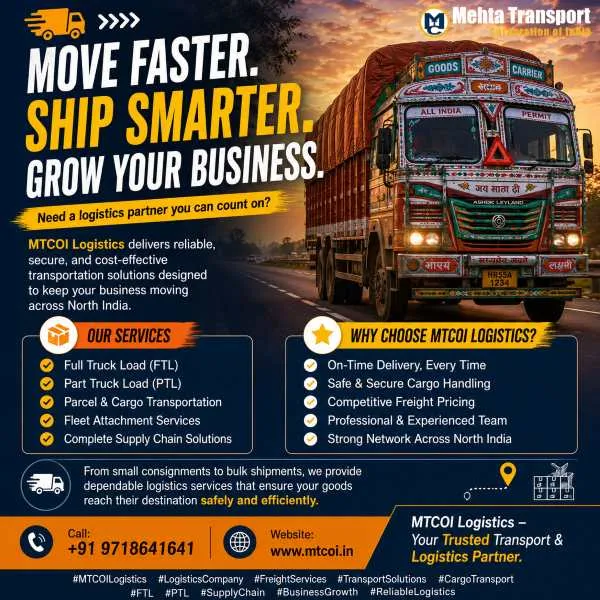
Experience secure and efficient transport solutions with interstate freight, FTL, PTL, and parcel booking across India…
Reliable interstate transport, freight, FTL, PTL & parcel booking services across India. Safe, secure & affordable logistics solutions